
an omalauncher widget for Focus
blurt_
Talk, and your words become tasks.
A home-screen widget for the omalauncher Android launcher. Open it, say what you need, and stop. A few seconds later the tasks are in your Focus list and the view closes itself.
how it works
Five steps, one sentence
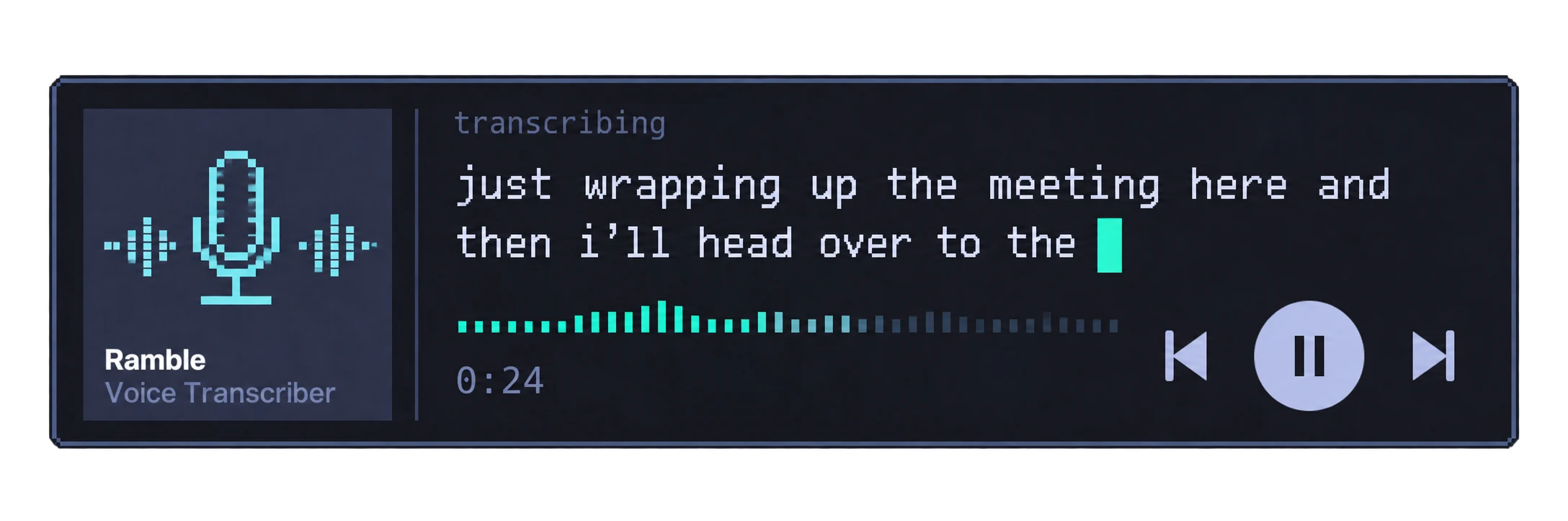
The phone version of ramble, a PC program, without the microphone code: the keyboard does the listening.
- 01keyboard mic
The keyboard's own dictation turns speech into words. A widget cannot hear the microphone, so blurt has no audio code at all.
- 02ramble --text
A few seconds after the words stop changing, the sentence goes to ramble on the phone's Linux side.
- 03claude -p
The Claude Code CLI turns the sentence into tasks, run with every tool removed.
- 04validate
Its reply is checked field by field before anything is sent.
- 05add_tasks
The tasks go to your own Focus server, which only answers over Tailscale.
What leaves the phone
The keyboard's dictation is Google's, so your words go to Google first, then to your Claude account, then to your own server. Nothing else leaves the phone.
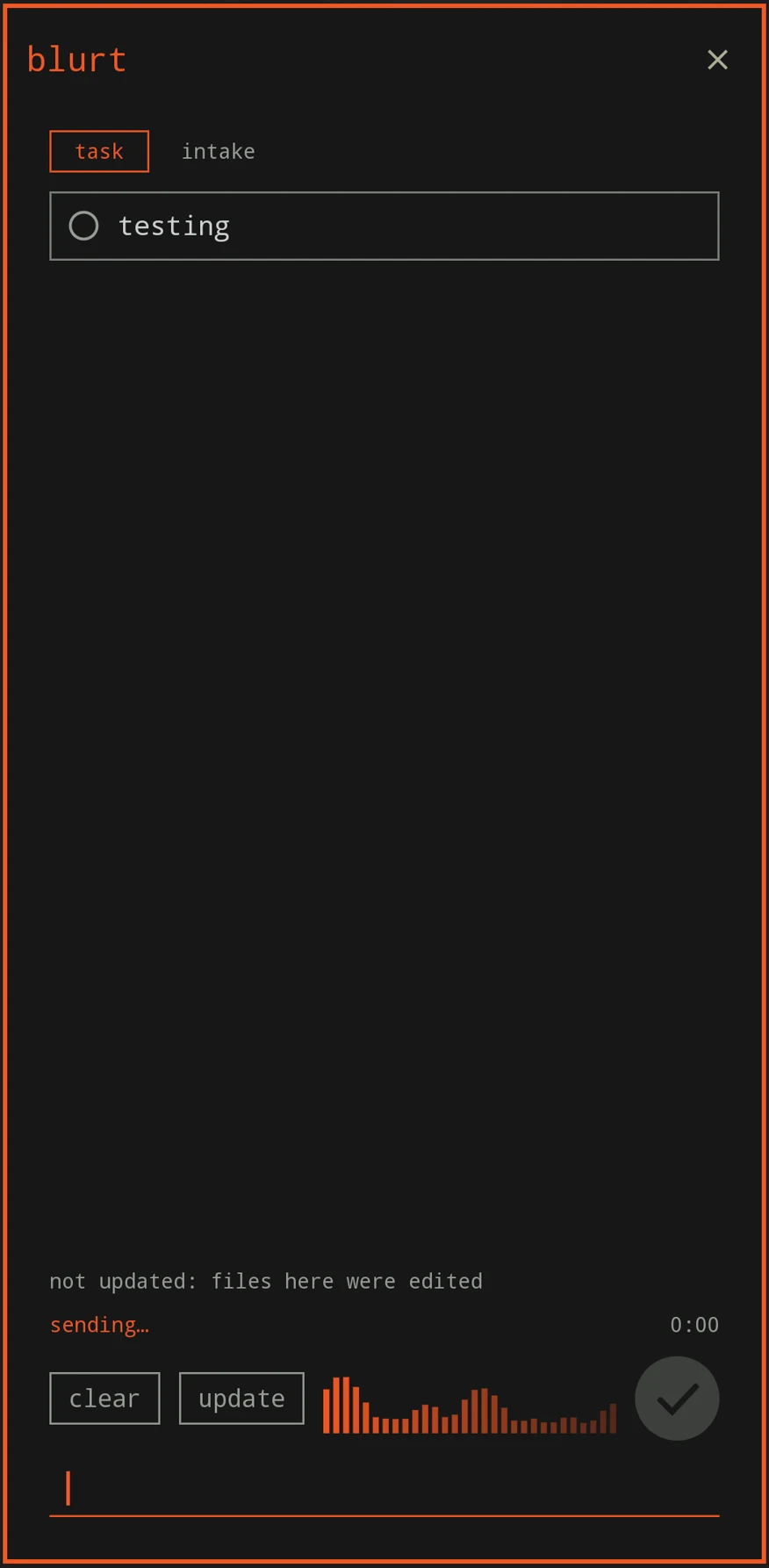
The wave is for looks
The bars are drawn from the clock and swell while new words arrive from dictation, which is the real signal. Before your first word arrives the view cannot tell the mic is on, so it stays idle.
two modes
A switch at the top: task | intake
Say it, it's on the list
"Buy milk tomorrow at five, and call the dentist, that's urgent." The words appear large as they arrive, then sending, then "Added 2 tasks" for two seconds before the view closes.
The send key sends at once and clear throws the words away. If the server cannot be reached the view stays open with a retry send button.
Talk an idea out, word for word
Nothing is summarized, cleaned or sent. Pause only freezes the timer; done is the big button. The words are saved byte for byte every five seconds.
On done, a Claude Code session opens on the phone already holding your words and your rules. It asks every open question as a tap-through picker, then writes the goal and the plan and makes the repo.
the look
A media-player card on the home screen
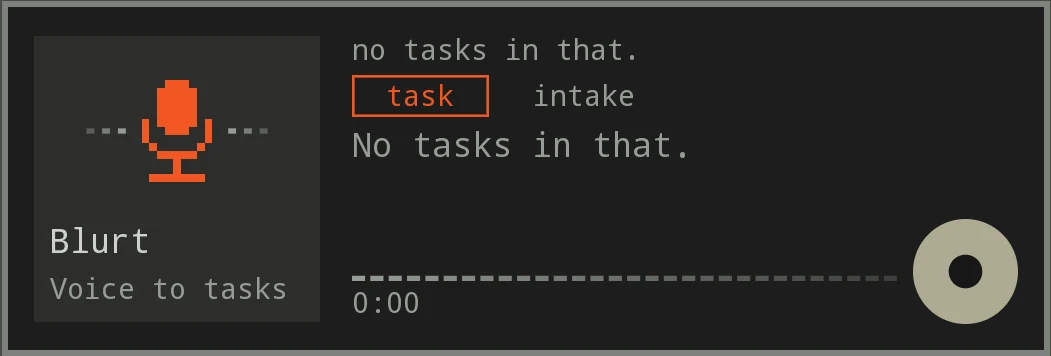
On the home screen blurt is a card: the pixel microphone and its name on the left, then the last result, the task | intake switch, a dotted wave, a timer and one round button to start. Talking opens the full view at the top of this page. Every colour is a theme colour name, so it changes with whatever launcher theme you pick.
where it stands
Built, now proving itself
install
One sentence, one code
blurt is built for one person's setup: it adds to a Focus list on a server you run yourself. This is how a phone gets it.
Needs
- An Android phone with omalauncher and its Linux side
- The Claude Code CLI, logged in, and Python 3 on that Linux side
- Tailscale on the phone, switched on while you use it
- Your own Focus server with device pairing
Steps
Open a Claude Code session on the launcher and say:
Download my repo blurt and set it up.
It clones the repo and runs the installer. The server address is built in, so it never asks for one.
Switch Tailscale on, then run the one setup command and type the 6 digits from your authenticator app once:
! ~/.local/bin/ramble-mobile-setup
The server gives this phone its own token, saved privately on the phone. No copying, no pasting.
Setup ends with a dry run that parses a sample sentence and adds nothing to your list. The card is now on your home screen.
Updating
An Update button shows on the card only while an update is waiting. The repo is checked at start and every ten minutes; one tap installs. By hand: git pull && ./install.sh.
Something off? ramble-mobile-doctor checks everything and changes nothing.
Working on it from a PC
scripts/owl-check-local.sh runs the real OWL compiler on the widget in a sandbox, in about five seconds. scripts/owl-test-local.sh runs the widget's own handlers against a fake host, hostile sentences included.
Neither draws the widget on a phone, so a look at it on the phone is still part of every change.